

So I just got back from the AI Poland conference, still buzzing from all the “AI will change everything” talks, and naturally dove straight into Addy Osmani’s latest piece about conductors and orchestrators in AI coding. My immediate reaction was “HELL YEAH, LET’S GOOO!” Because who doesn’t want an army of AI agents writing code while we sip coffee and pretend to be tech leads?
But then reality slapped me in the face like a failed production deployment at 4 PM on Friday.
Between the conference hype and reading about these orchestrator workflows, I started reflecting on what I’m actually seeing in day-to-day development. And honestly? We need to have an uncomfortable conversation about what I’m calling “The Magic Wand Syndrome”: developers who think their AI coding assistant is literally magic that... makes correct code appear.
Spoiler alert: It’s not. You’re not a wizard. And that spell you just cast? Yeah, it summoned a demon that’s gonna haunt your codebase for the next six months.
The Vibe Coding Epidemic
Let me paint you a picture. It’s Tuesday morning. Someone pushes a PR. Beautiful, clean-looking code. Merges through. Everyone’s happy.
Wednesday afternoon: Production is on fire. The person who wrote it? “Uh... I mean... the AI generated it, and the tests passed, so...”
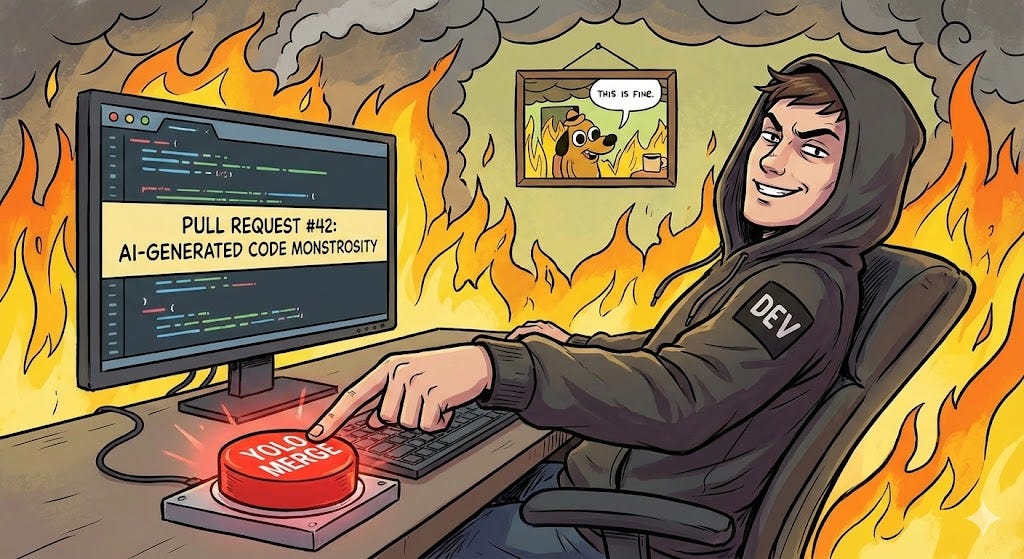
This is what industry folks are calling “vibe coding“ and honestly? The name is perfect. It’s like coding by vibes only: no architecture, no understanding, “AI give me feature plz” and then YOLO’ing it into main.
Here’s the thing that makes me want to scream into a pillow: I’m seeing PRs from people who literally cannot explain what their own code does. Not because it’s complex. Because they never actually read it. The AI wrote it; the tests went green (somehow). Ship it! 🚀
And look, I get it. We’ve all been there late at night trying to finish a ticket, prompting AI with increasingly desperate variations of the same question until something works. But that’s not development; that’s just guessing with extra steps and a $20/month subscription.
Recent observations show a troubling pattern: developers input entire problems into AI tools, receive partially functional code, then struggle to debug it or explain their design decisions. They try to fix issues with vague commands like “refactor the code” without providing meaningful context.
The “House of Cards” We’re All Building
Fun fact that’ll keep you up at night: GitClear analyzed 211 million lines of code and found that AI-driven development is creating technical debt faster than anyone’s ever seen. Veterans with 35+ years of experience are basically going “what the actual hell” at how quickly codebases are turning into unmaintainable messes.
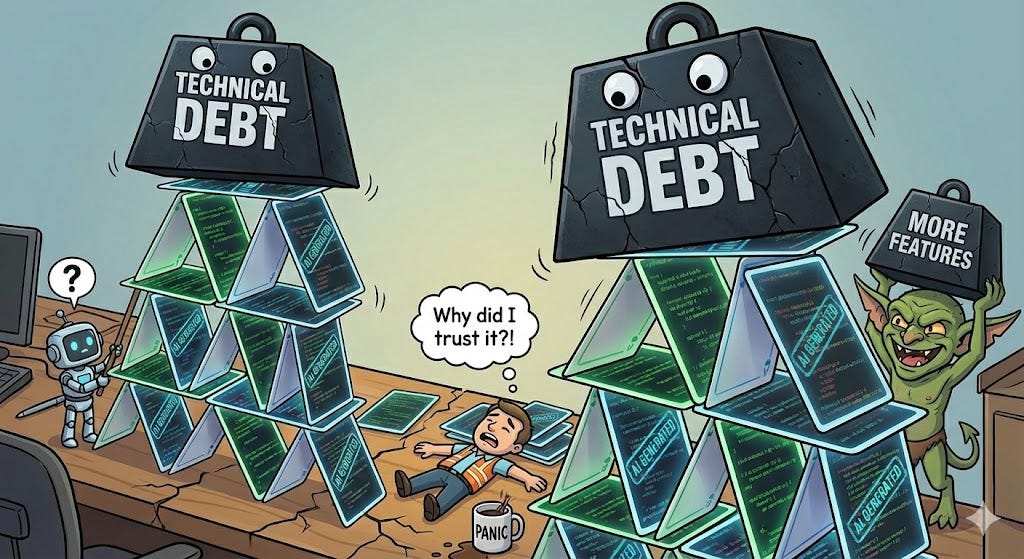
The cycle goes like this:
AI generates code (fast! shiny! works... kinda!)
You accept it without fully understanding it
Subtle bugs emerge (weird edge cases, performance issues, that thing that only breaks in Safari)
Use AI to patch the bugs
Patches create new complexity
More patches, more complexity, more bandaids
Wake up six months later with a Frankenstein codebase held together by AI-generated duct tape
And here’s the kicker: 67% of developers now spend more time debugging AI-generated code than they save from initial generation. Another 68% spend more time resolving security vulnerabilities. Research shows 40% of AI-generated code contains vulnerabilities, with only 55% being secure enough for production.
So what exactly are we optimizing for here? Carpal tunnel prevention? Because it’s certainly not “sustainable software development.”
The Experience Gap Nobody Talks About
Here’s an uncomfortable truth from recent research: AI coding tools help experienced developers WAY more than junior ones.
Why? Because seniors can look at AI output and immediately spot when it’s:
Hallucinating logic that seems right but isn’t
Producing functionally correct but architecturally terrible code
Copy-pasting patterns that don’t fit the actual use case
Creating security vulnerabilities wrapped in helpful comments
Meanwhile, juniors (and honestly, some not-so-juniors) are playing “AI trial-and-error roulette”: keep prompting with slight variations, never actually tracing the root cause, vibe until something compiles.
The difference? Foundational knowledge. Seniors aren’t magic either; they have the experience to spot when AI is confidently wrong.
The Skills Crisis We’re Creating
Here’s what keeps me up at night: If AI does 90% of our coding work, how do the next generation of developers learn the fundamentals needed to actually use AI effectively?
It’s a chicken-and-egg problem. You need foundational knowledge to validate AI output. But if AI is doing all the work, when do you build that foundation?
Junior developers historically learned by doing the grunt work: building simple components, fixing small bugs, writing utility functions. That’s where you develop pattern recognition and learn what “good code” feels like.
But AI just... does all that now. So we’re creating a generation of developers who can prompt AI but can’t debug when the AI gets it wrong, which it does. Constantly.
The traditional learning path is disappearing. Junior roles that once served as training grounds are being automated away. New CS graduates are struggling because they can generate code with AI but lack the judgment to know if it’s actually good. They’re caught in a paradox: they need experience to use AI effectively, but AI is eliminating the entry-level work that builds that experience.
Look, I’m Not Anti-AI
Before you think I’m some Luddite typing this on a mechanical keyboard by candlelight: I use AI tools literally every single day. They’re phenomenal. Cursor, Claude, Windsurf; they’ve all saved me countless hours in my daily development tasks.
But here’s my approach, and why I’m not currently experiencing the “oh god, why is everything broken” phenomenon:
1. Understand Before You Accept
When AI generates code, I actually read it. Revolutionary concept, I know. I understand what it’s doing, why it’s doing it that way, and whether there’s a better approach.
If I can’t explain it to a rubber duck, I don’t ship it. Period.
2. Small, Controlled Changes
I’m not spinning up three AI agents to rebuild my entire feature set while I make coffee. I use AI for one thing at a time. Generate a component. Review it. Test it. Understand it. Then move on.
This isn’t slower; it’s sustainable. Because I’m not spending next week debugging mysterious issues in code I don’t understand.
3. Architecture First, Magic Second
Before I even think about prompting an AI, I know:
What problem am I solving
How it fits into the existing system
What the data flow looks like
What could potentially break
The AI helps with implementation, not design. If you’re using AI to design your architecture, we need to have a different conversation (probably involving your tech lead).
4. Tests Are Not Optional
“But the AI wrote tests!” Cool. Did you read them? Do they actually test meaningful scenarios or just happy-path nonsense that gives you a false sense of security?
I’ve seen AI-generated test suites that would make a QA engineer weep. 100% code coverage, 0% actual validation.
How to Actually Become an AI Supervisor (Not Just a Prompt Monkey)
Okay, so you’re convinced that blindly accepting AI output is a bad idea. Great! But how do you actually transition from “vibe coder” to “effective AI supervisor”? Here’s what I’ve learned:
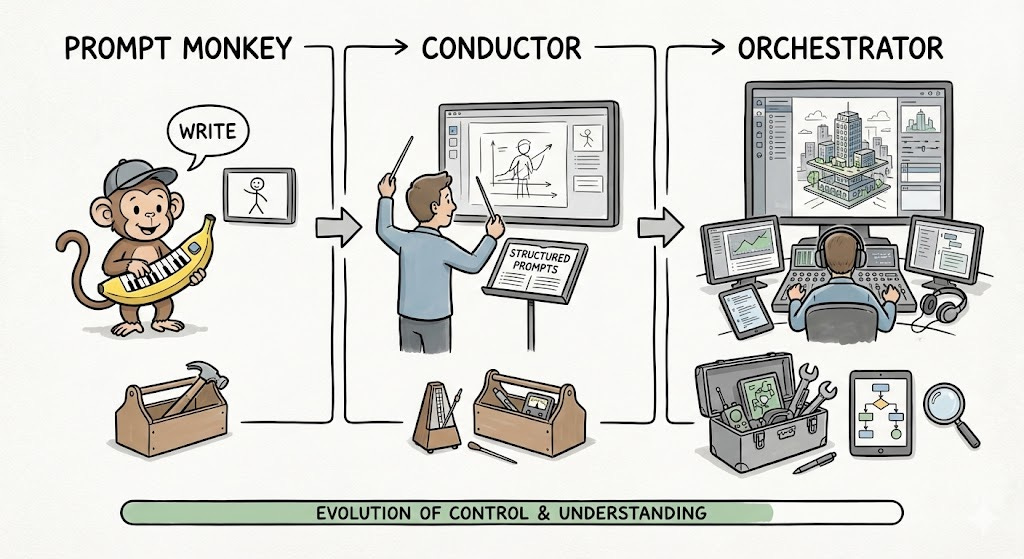
For Everyone Still Learning
Treat AI Like a Very Confident Junior Developer
Because that’s precisely what it is. It confidently generates code that looks right but might be fundamentally flawed. Would you merge a junior’s PR without reviewing it? No? Then don’t do it with AI.
Use AI as a Learning Tool, Not a Replacement
Instead of asking “write me a function that does X”, try “explain how I would implement X, then show me an example”. This forces you to understand the approach before seeing the implementation. GitHub’s research shows that configuring AI tools to teach rather than do dramatically improves skill development.
Build Your Pattern Recognition
Work through the AI’s suggestions line by line. Ask yourself:
Why did it choose this approach?
What are the tradeoffs?
What edge cases might it have missed?
How would I have done this differently?
This is how you build the intuition that separates effective AI users from prompt monkeys.
Master One Thing Deeply Before Scaling
Don’t jump straight to orchestrating multiple AI agents. Master working with one agent in conductor mode first. Understand how to give it good context, how to validate its output, and how to iterate when it gets things wrong. Then consider more advanced workflows.
For Experienced Devs Feeling the Pressure
Don’t Get Complacent
Just because you can validate AI output today doesn’t mean you’ll be able to tomorrow if you stop practicing. Keep writing code manually for complex features. Your skills are like muscles; they atrophy without use.
Create Validation Checklists
Build yourself a mental (or actual) checklist for reviewing AI-generated code:
Does it follow our architecture patterns?
Are there security implications?
Is it maintainable?
Does it handle errors properly?
Will the next person understand this?
Share Your Process
If you’re effectively using AI tools, teach others how you’re doing it. Not just “I use Cursor,” but “Here’s how I scope tasks, validate output, and iterate on results.” The team that learns together doesn’t create technical debt together.
For Teams and Tech Leads
Rethink Code Review for the AI Era
Code review becomes exponentially more critical when AI generates the code. The bottleneck isn’t AI speed; it’s our ability to read and validate what it produces quickly.
Consider:
Requiring explanations of AI-generated code in PR descriptions
Asking “Can you walk me through this?” in reviews
Flagging PRs that seem to be pure AI output for extra scrutiny
Create Safe Spaces for Learning
Junior developers need opportunities to build foundational skills even as AI automates away traditional learning tasks. Consider:
Dedicated “no AI” projects or features for skill building
Pairing juniors with seniors to learn validation techniques
Code review sessions focused on understanding not just shipping
Establish AI Usage Guidelines
Not “don’t use AI” but “here’s how we use AI responsibly”:
Architecture and design decisions remain human
All AI output must be reviewed and understood
Security-critical code requires extra validation
Test quality is non-negotiable
The Long Game: Controlled Orchestration
I’m not against the orchestrator model Addy describes. Multi-agent workflows have genuine potential. But we need guardrails:
Start as a Conductor: Master working with a single AI agent interactively before trying to manage multiple autonomous agents. Learn to give good prompts, validate output, and iterate effectively.
Architecture Always First: Before delegating to AI agents, understand your system architecture deeply. Design the interfaces, define the boundaries, and map the data flows. The AI can help build the house, but you need to design it.
Incremental Autonomy: Give AI agents increasing autonomy as you become better at validating their output. Don’t jump straight to fire-and-forget mode. Earn the right to trust your AI by proving you can catch its mistakes.
Maintain Your Skills: Keep writing code manually for complex features. Your ability to evaluate AI output depends on maintaining your fundamental skills. The best orchestrators are still excellent musicians.
The Uncomfortable Reality
Here’s the thing nobody wants to say out loud: using AI effectively is more complex than writing code manually.
Wait, what?
Yeah. Writing code yourself is straightforward: you think, you type, you debug. Using AI effectively requires:
Understanding the problem deeply enough to prompt correctly
Validating the solution for correctness and quality
Integrating it into your existing architecture
Debugging when things go wrong (which they will)
Explaining it to others on your team
The AI doesn’t make you faster by reducing the cognitive load. It makes you faster by amplifying your existing skills. If those skills are weak, you’re just amplifying weakness.
This is why seniors see massive productivity gains and juniors... don’t. It’s not about access to better tools. It’s about having the foundation to use those tools effectively.
So Where Do We Go From Here?
The future Addy describes is coming whether we like it or not. AI coding assistants are getting more autonomous, more capable, more integrated into our workflows. The orchestrator model will become reality for many development tasks.
But we can choose how we get there.
We can rush headlong into it, vibing our way to unmaintainable codebases and a generation of developers who can’t debug their own systems. Or we can be intentional: build skills, maintain standards, and treat AI as a powerful tool that requires expertise to wield effectively.
I know which path I’m choosing. And honestly? After the AI Poland conference and reading about these new orchestrator tools, I’m more convinced than ever that the developers who win aren’t the ones who use AI the most; they’re the ones who use it the best.
So slow down. Understand your code. Review those PRs. Question the AI’s decisions. Maintain your fundamentals.
Because when that production system breaks (and it will), the AI agent won’t be the one fixing it. You will. And you’d better understand how it works.
Further Reading:
What’s your experience with AI coding tools? Seeing quality issues in your codebase? Drop your thoughts in the comments; this conversation is too meaningful to leave unfinished.
P.S. If you recognized yourself in this post, don’t worry, we’ve all been there. The first step is admitting you have a vibe coding problem. The second step is actually reading your PRs before you merge them. You got this.